



Many traders have posted #Profitshow# to get rewards. But have you posted it in the right way? Not sure? Here are the correct samples for your reference.
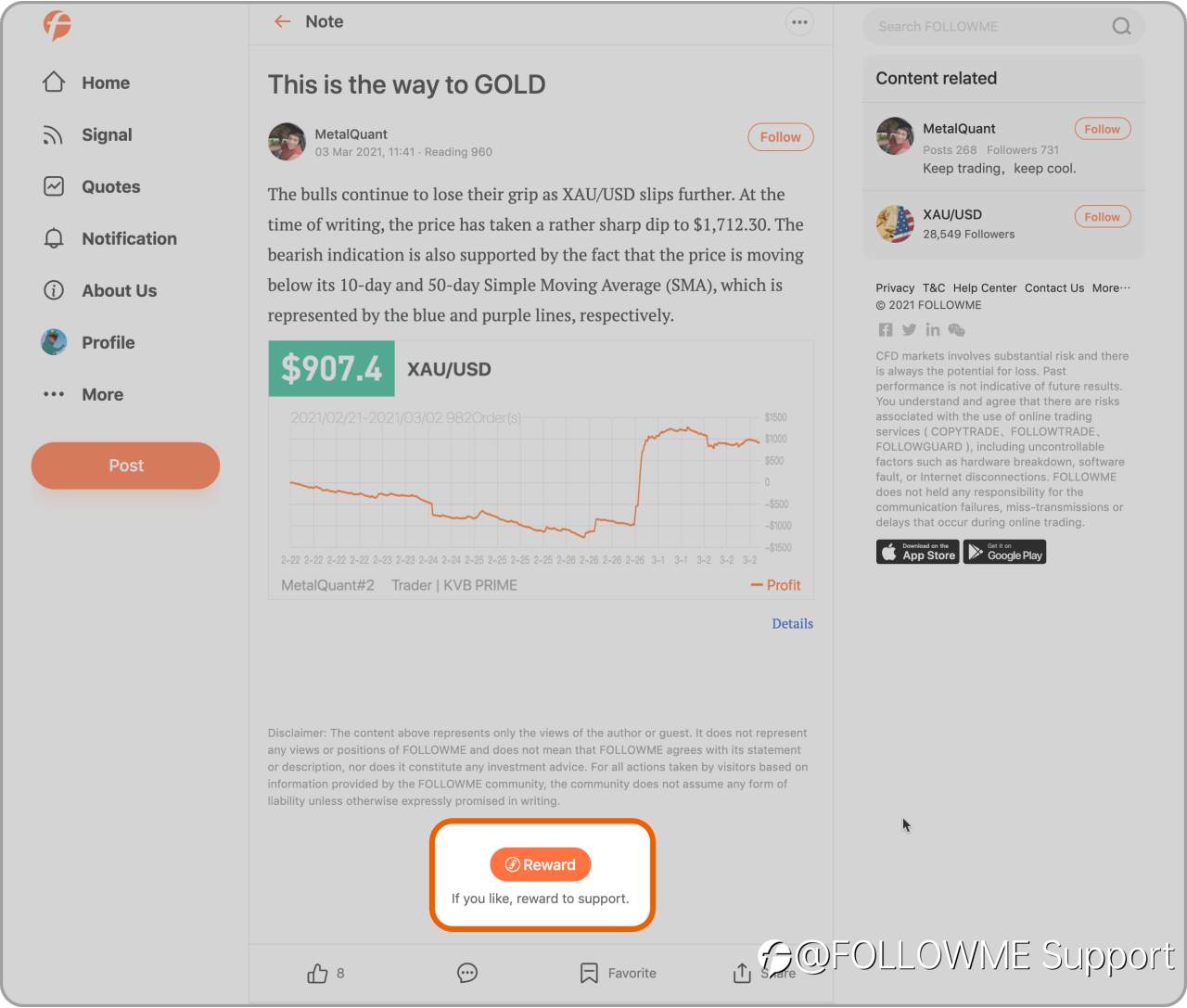
Conflagrations if you see the Orange “Reward” button after posting, which means that you are doing it right. If not, please read the instructions below:
1. Use the “Notes” function Post a Trade order/ Trade Record / Screenshot”
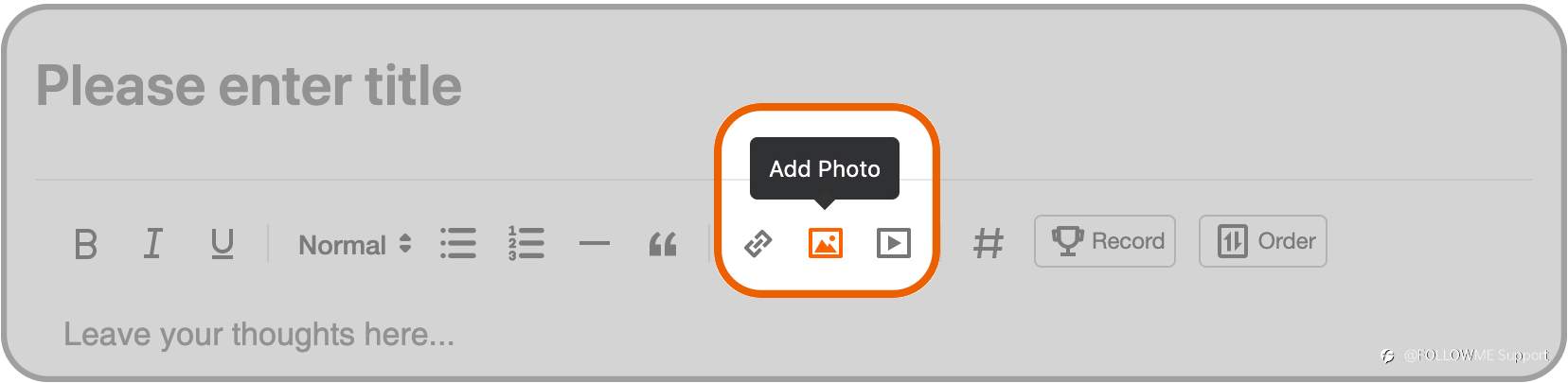
If you are browsing the Website
Choose the “Pen” icon
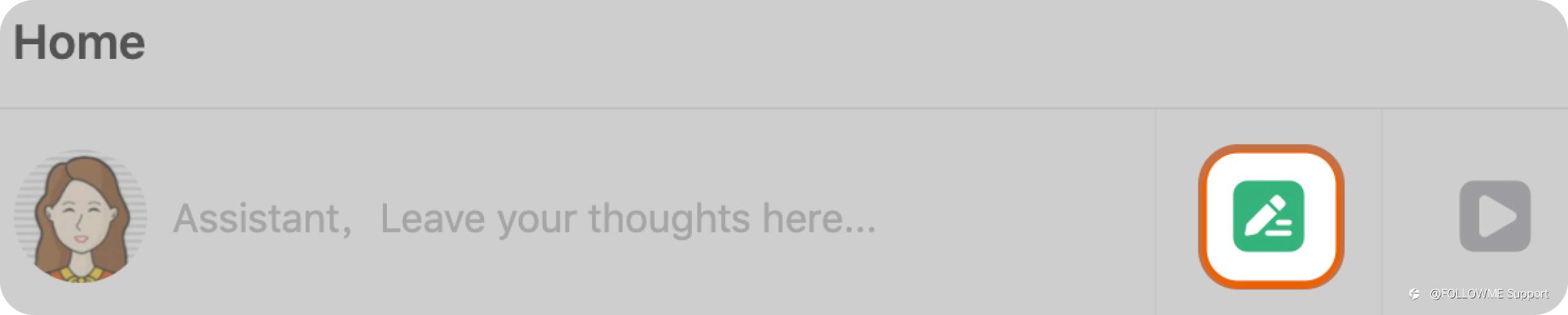
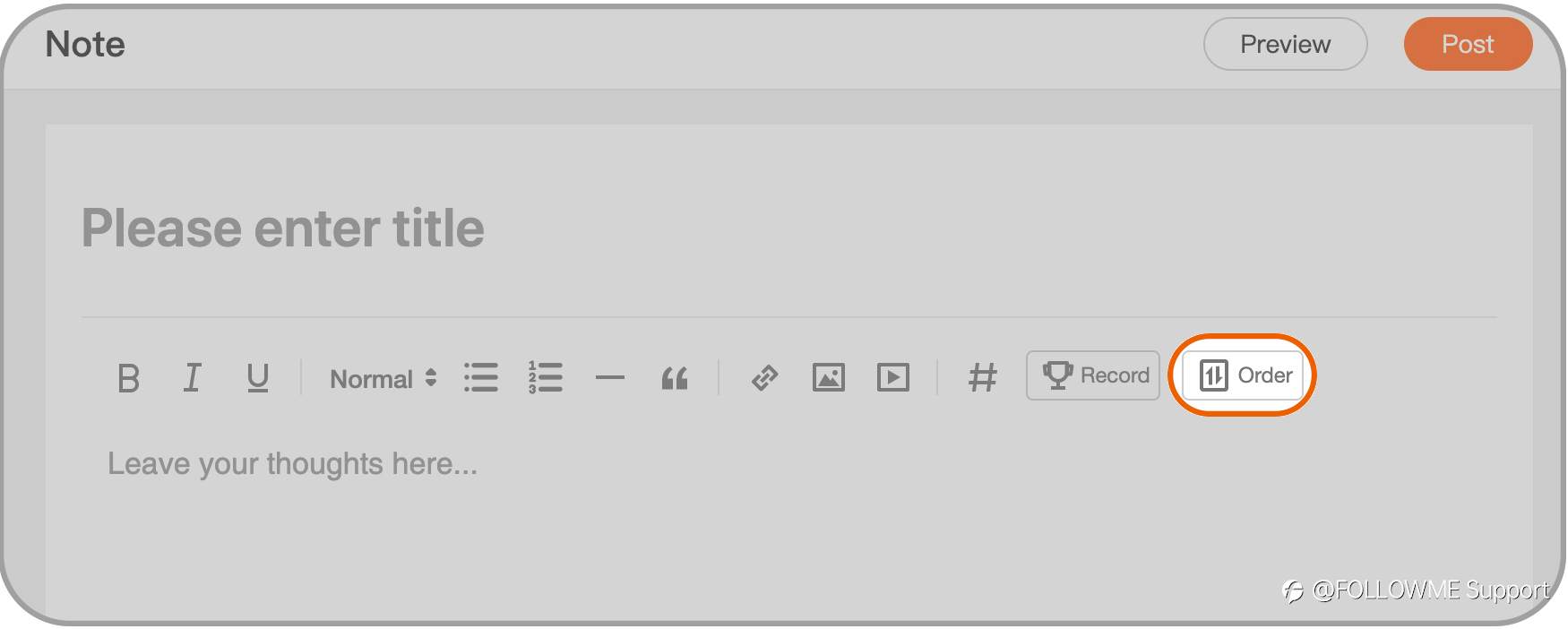
a, Add trade order
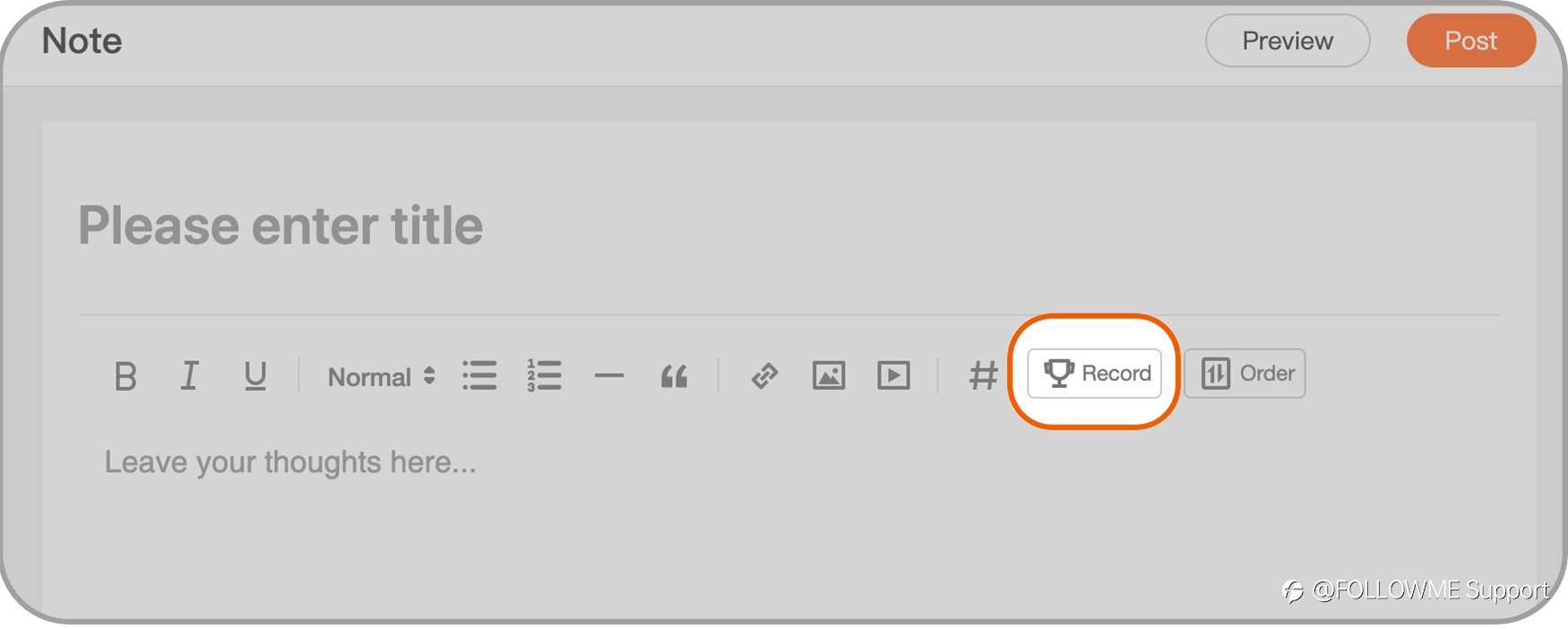
b, Add trade Record
c, Add screenshot
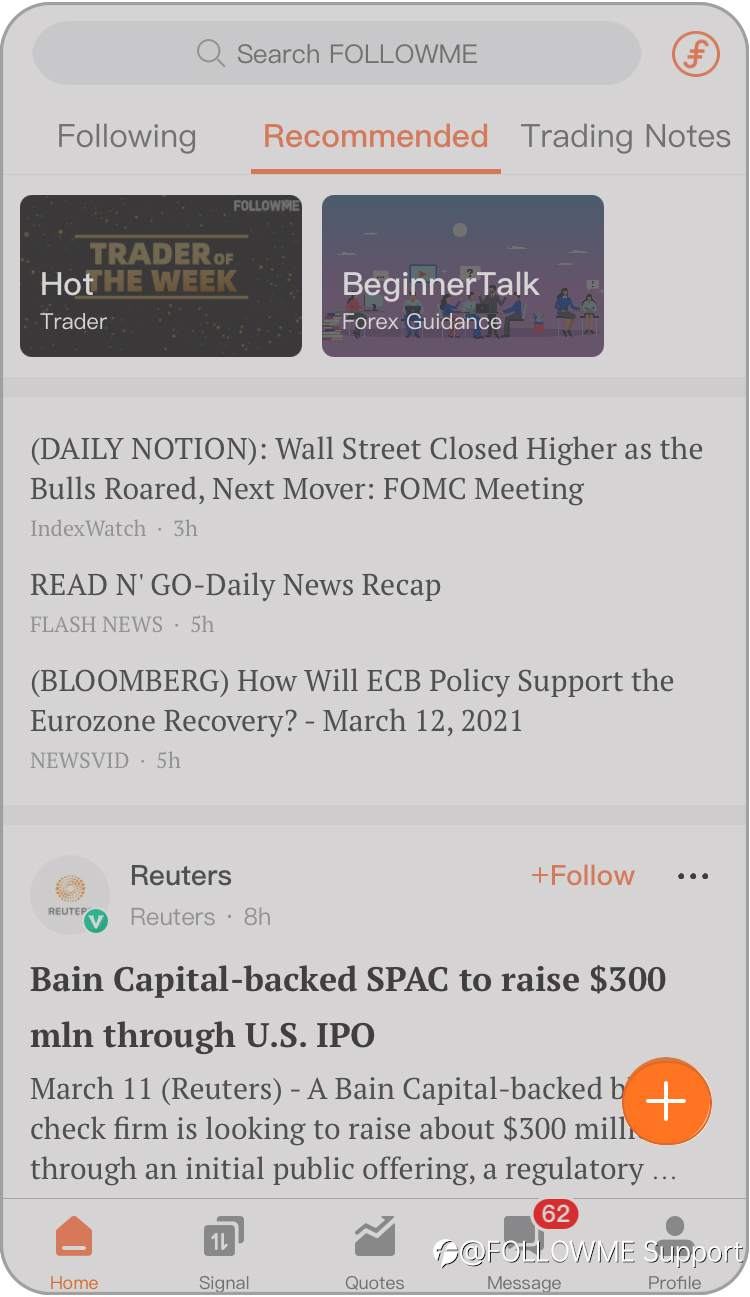
If you are using our App:
Click the Orange "+"button
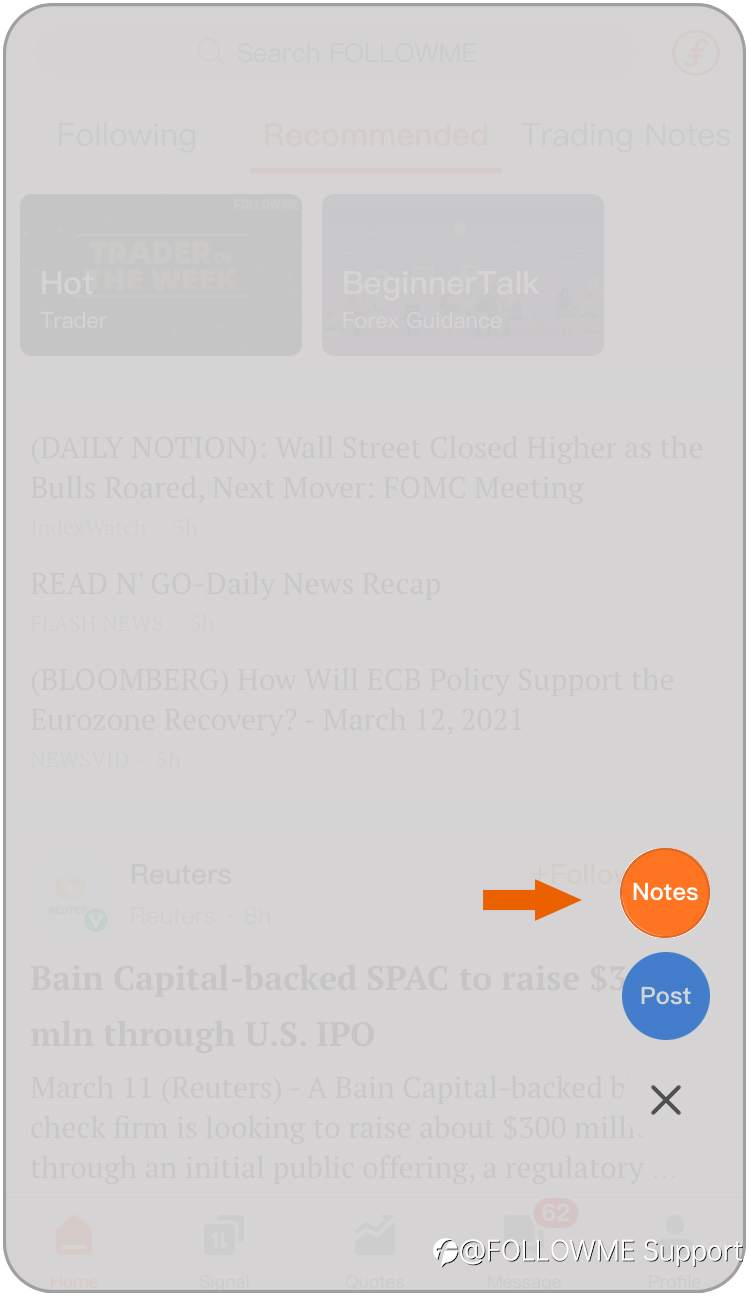
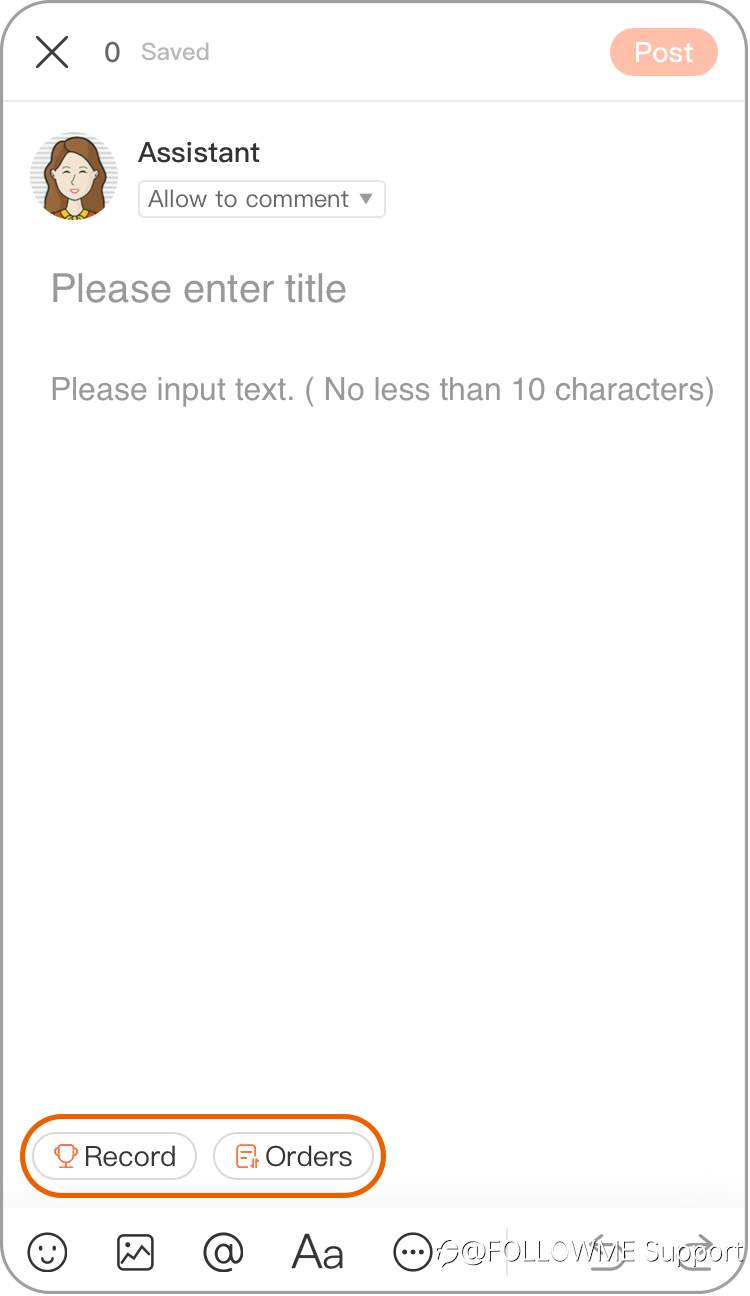
Use the toolbar to add a trade “Record”, “Order” or Screenshot.
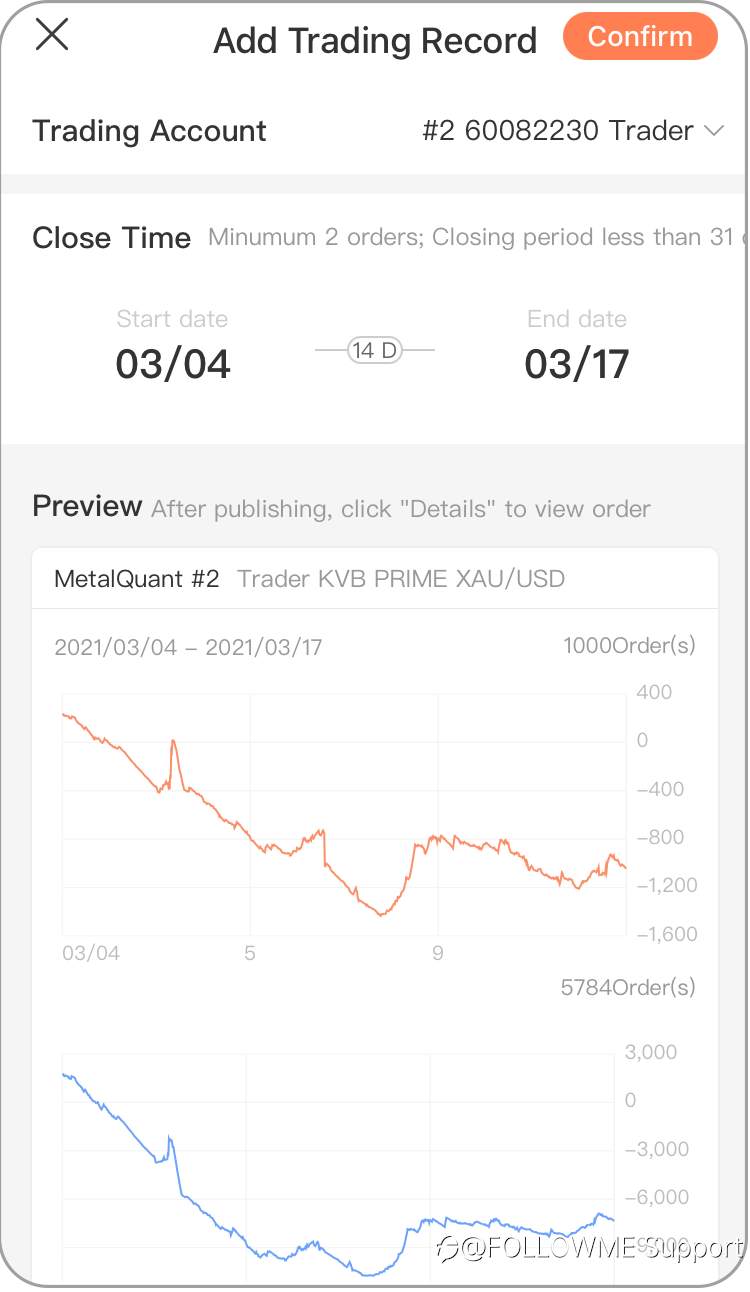
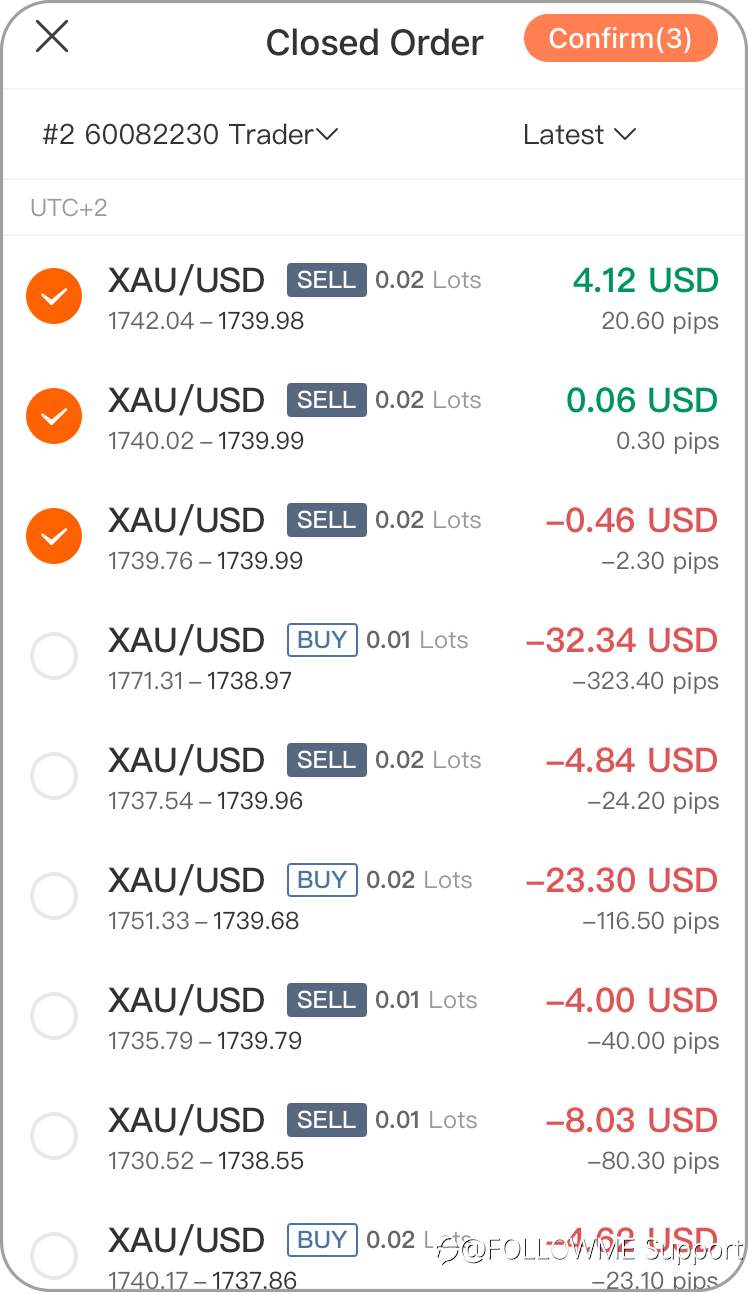
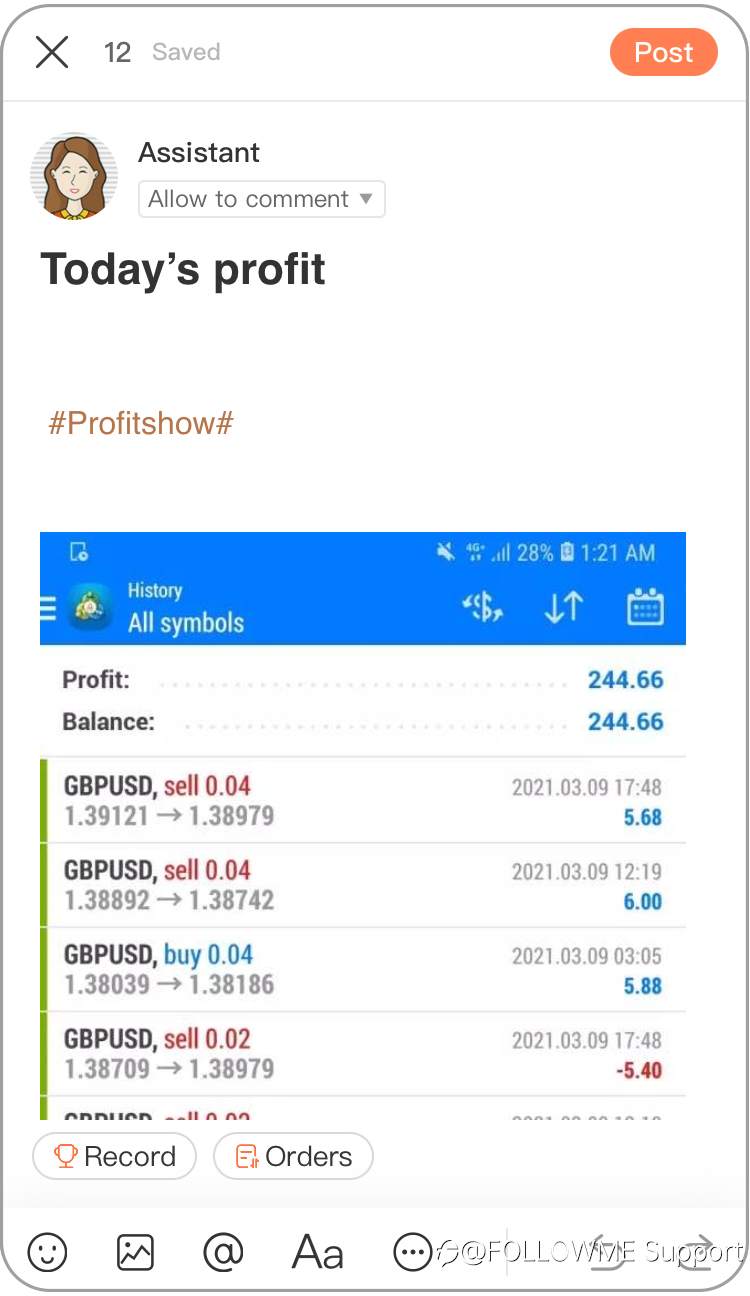
2.Use the “Post” function to post video content.
Web
a, Click the red “Play” button to add a video.

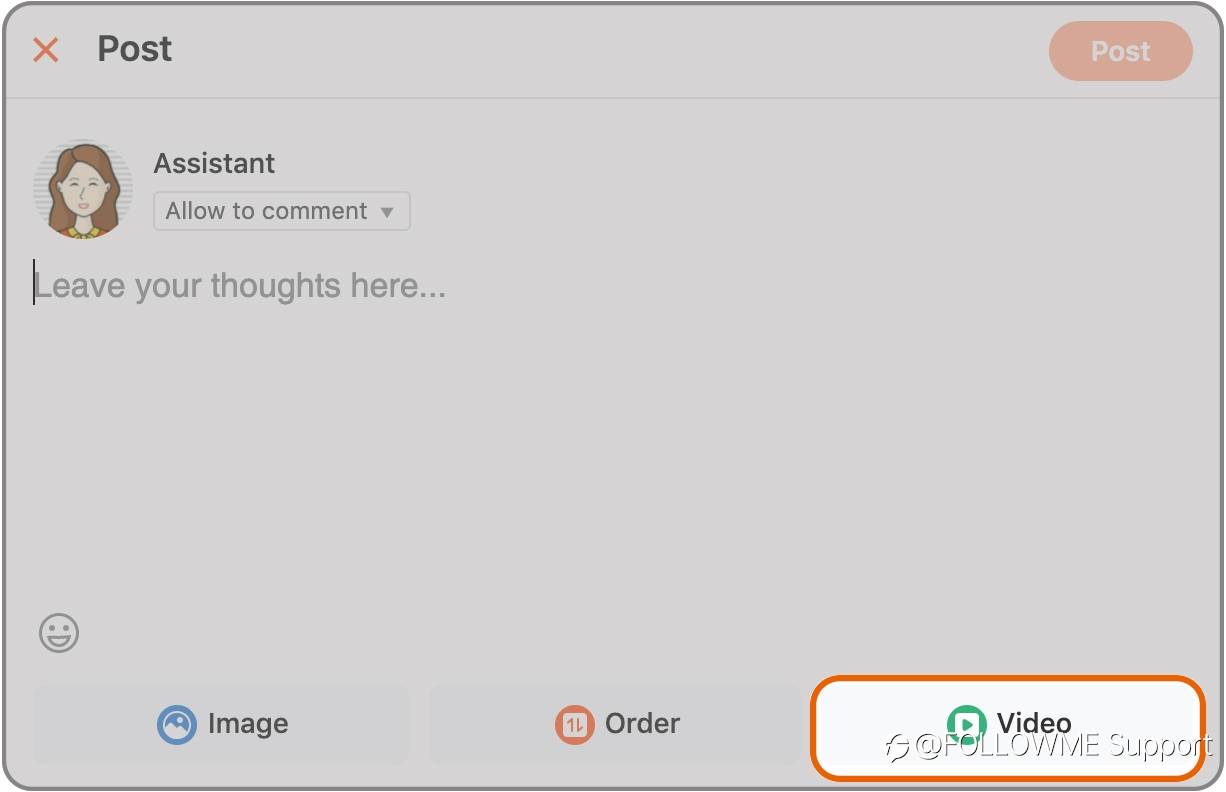
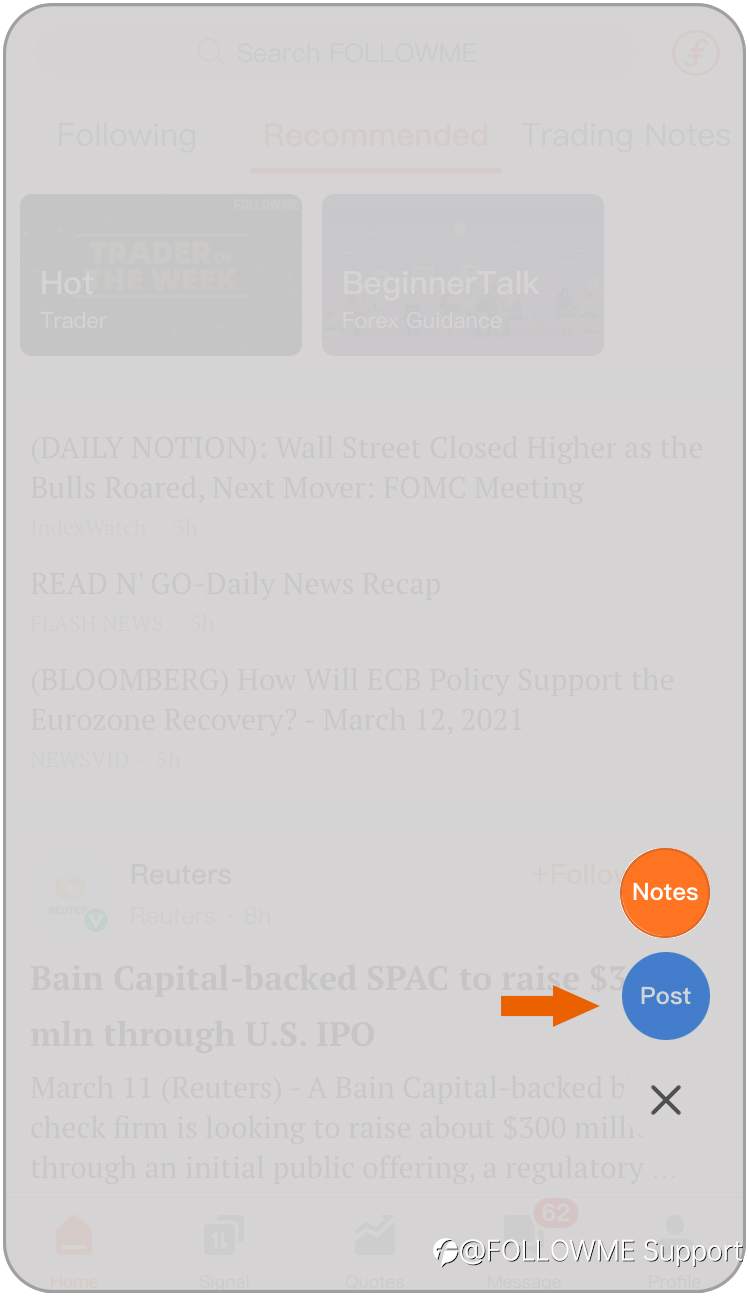
App
Click "Post"
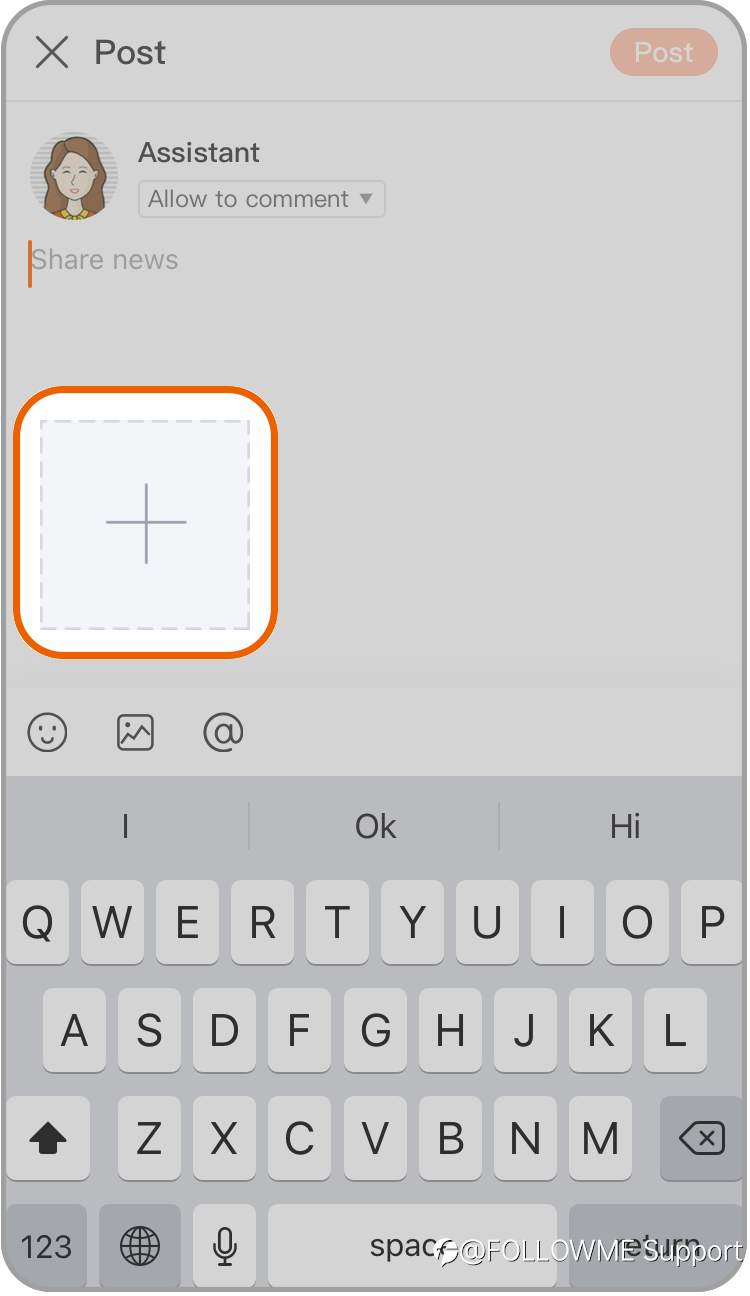
Use the button "+" to add a video from your mobile device.
Clear? Choose any way you like to send the #Profitshow# content. Can't wait to share your thoughts and see your profit!
Edited 18 Mar 2021, 18:30
Disclaimer: The views expressed are solely those of the author and do not represent the official position of Followme. Followme does not take responsibility for the accuracy, completeness, or reliability of the information provided and is not liable for any actions taken based on the content, unless explicitly stated in writing.

Leave Your Message Now